
Fix My Phone
Wiki
Get your first phone working.
Build the shop around it.
A practical guide to Doubloons’ Roblox repair game. Finish the hands-on work, match your customer’s request, then find your next upgrade or collection goal.
Independent fan guide · Game by Doubloons
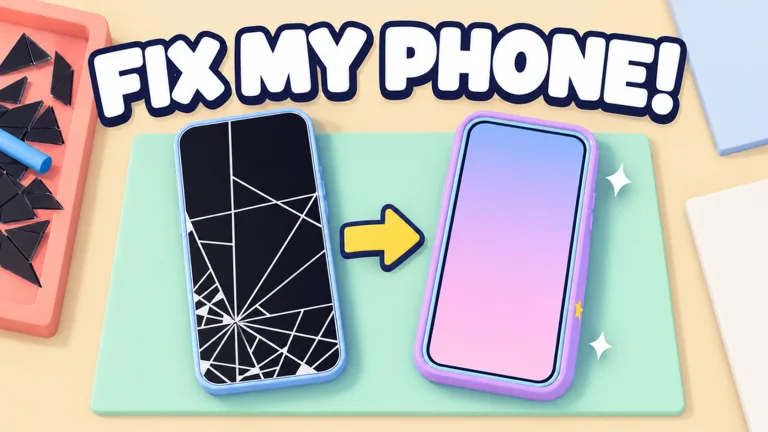
Glass, film, protector, bubbles. Finish the job.
Benches, technicians and a shop of your own.
Rare phones, trophies and weekly cases.
Where are you in your shop?
A finished first phone and a waiting customer need different next steps. Pick your current progress.
Your own phone comes first.
Take your broken phone to the workbench. Finish the screen stages, then test the phone before moving on.
Continue when it powers on and the repair result appears.
See every repair actionChoose your progress above. This guide is not connected to your Roblox save. Opening route: AllThingsHow, 20 Oct 2026.
 Promotional art · Doubloons / Roblox
Clean glass.
Finished job?
Check the stage counter. Clear the remaining bubbles, finish any requested case, then use TURN IT ON and look for the working-phone result.
- Still on bubbles? Push each remaining bubble to an edge.
- A case was requested? Match it. An unlocked color alone is not the right answer.
Opening procedure: AllThingsHow’s walkthrough.
What’s on your workbench?
Finish your first repair
Every screen stage, the first customer and the case they actually asked for.
02 / CodesClaim your code rewards
Three developer-listed codes, copy buttons and the exact phone-menu route.
03 / Money & shopChoose your next upgrade
Early unlocks, benches versus staff, trade-ins and cash-bonus conditions.
04 / Rare phonesBuild your collection
Separate rare walk-ins, Job Lots, trophies and weekly-only cases.